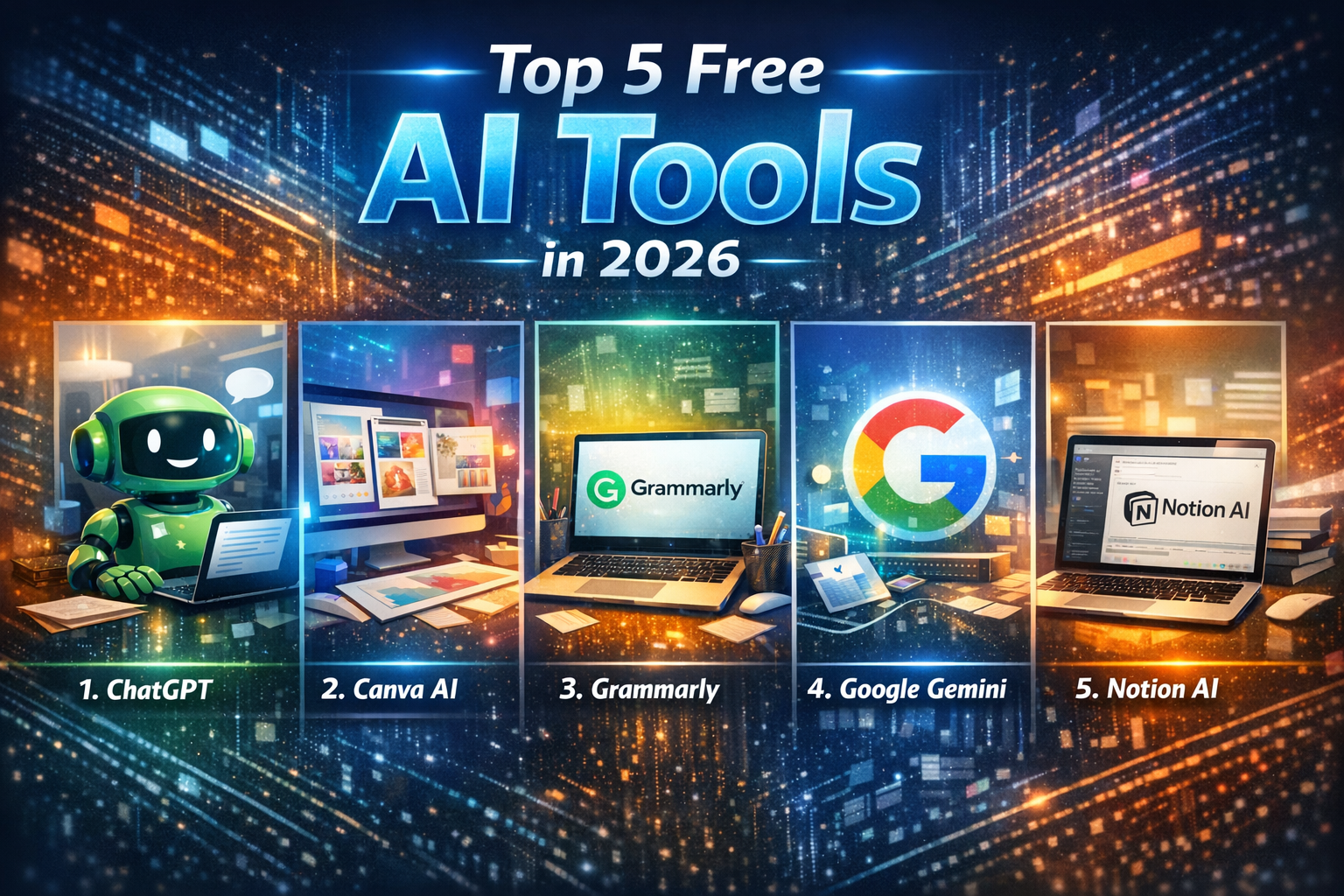
Artificial Intelligence (AI) has moved from being a futuristic concept to an everyday necessity. From writing and design to productivity and coding, free AI tools are empowering creators, students, and professionals worldwide. The best part? You don’t need a premium subscription to unlock powerful features. In this article, we’ll explore the Top 5 Free AI Tools in 2026, how they work, and why they stand out.
1. ChatGPT (OpenAI)
Category: Conversational AI & Content Creation
ChatGPT remains one of the most widely used free AI tools. Its free tier allows users to generate text, brainstorm ideas, draft emails, and even write code. The conversational interface makes it accessible to beginners while still powerful enough for professionals.
- Key Features:• Natural language conversations.
- Content creation (blogs, essays, scripts).
- Coding assistance and debugging.
- Language translation and learning support.
- Why It’s Popular:
ChatGPT democratized AI by making advanced language models available for free. Students use it for study help, marketers for copywriting, and developers for quick coding solutions. - Limitations:
The free version may have restrictions on advanced models or daily usage limits, but it’s still one of the most versatile free AI tools available.
2. Canva AI

Category: Design & Visual Content
Canva has transformed graphic design by integrating AI into its free platform. With tools like Magic Design and AI‑powered text‑to‑image, users can create professional visuals without needing design expertise.
- Key Features:• AI‑generated templates for social media, presentations, and posters.
- Text‑to‑image generation for unique graphics.
- Background remover and photo editing.
- Easy drag‑and‑drop interface.
- Why It’s Popular:
Small businesses, influencers, and students rely on Canva’s free AI features to produce polished visuals quickly. It’s perfect for Instagram posts, YouTube thumbnails, and business presentations. - Limitations:
Some advanced features (like premium stock images) require a paid plan, but the free AI tools are robust enough for most users.
3. Grammarly
Category: Writing & Editing
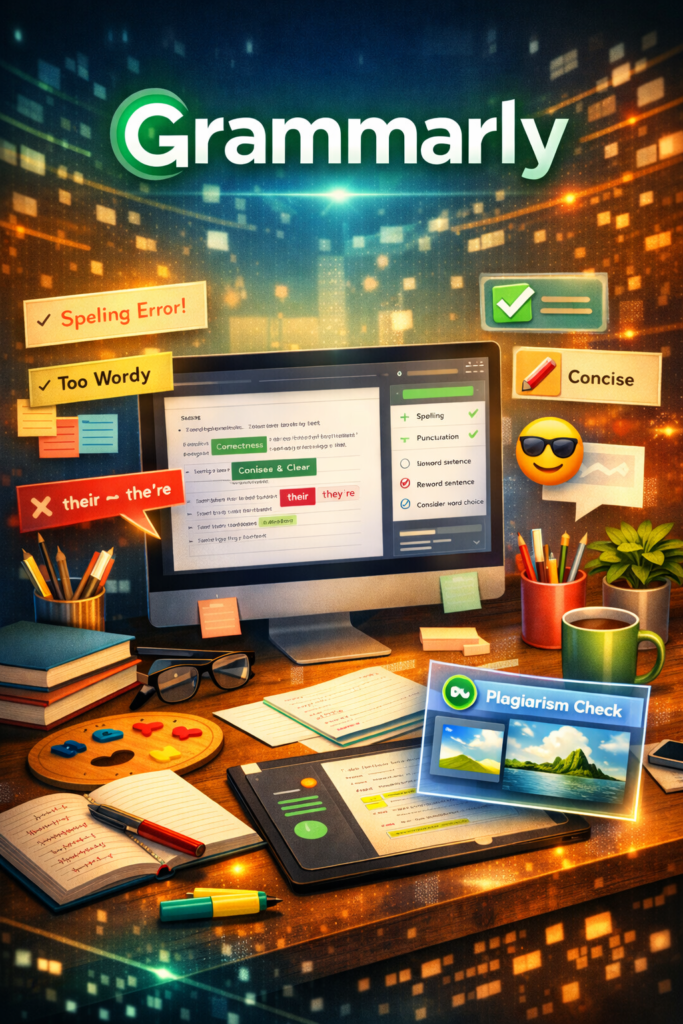
Grammarly has been a staple for writers, students, and professionals. Its free AI‑powered grammar checker ensures error‑free writing while offering stylistic suggestions.
- Key Features:• Grammar and spelling checks.
- Tone detection (formal, casual, persuasive).
- Clarity and conciseness improvements.
- Browser and app integrations.
- Why It’s Popular:
Grammarly’s free tier is invaluable for anyone writing emails, essays, or reports. It helps non‑native speakers improve fluency and ensures professionals maintain polished communication. - Limitations:
Advanced features like plagiarism detection and full‑sentence rewrites are locked behind premium, but the free version covers the essentials.
4. Google Gemini (Free Tier)
Category: Search & Productivity AI
Google’s Gemini (formerly Bard) offers a free tier that integrates AI into search and productivity. It helps users summarize information, draft content, and even analyze data.
- Key Features:• AI‑powered search summaries.
- Integration with Google Docs, Sheets, and Gmail.
- Multimodal capabilities (text, images, code).
- Real‑time web access for updated information.
- Why It’s Popular:
Gemini’s free tier is perfect for students and professionals who already use Google Workspace. It enhances productivity by automating tasks like summarizing documents or generating quick insights. - Limitations:
The free tier may not include advanced enterprise features, but it’s still a powerful everyday assistant.
5. Notion AI
Category: Productivity & Organization
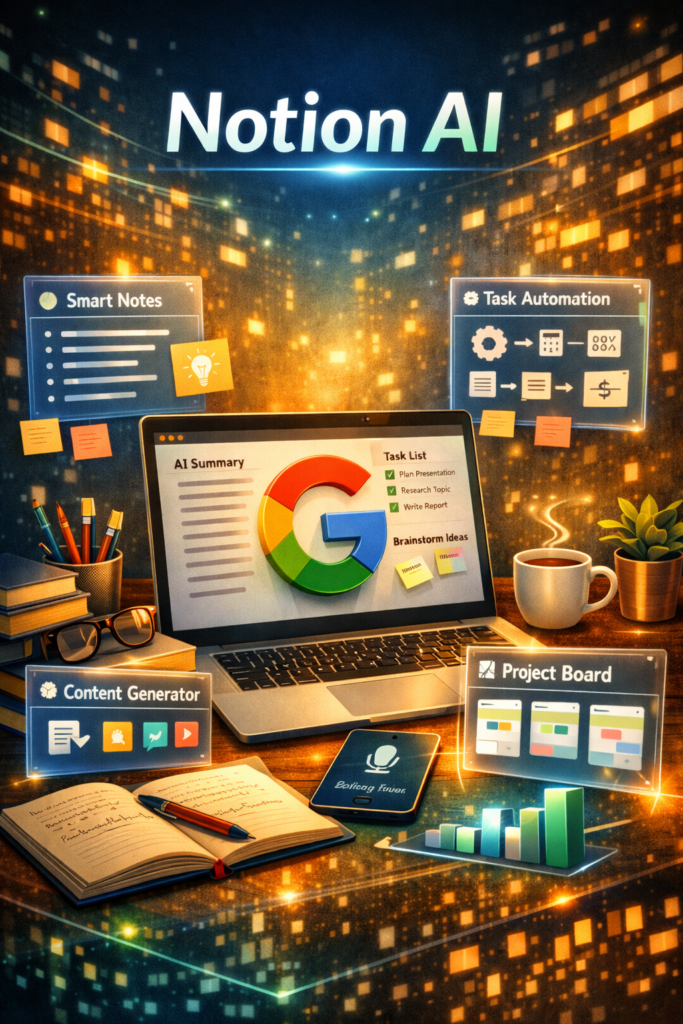
Notion AI integrates seamlessly into the popular productivity app Notion. Its free tier allows users to generate summaries, brainstorm ideas, and automate workflows within their notes and databases.
- Key Features:• AI‑powered note summarization.
- Task automation and idea generation.
- Integration with project management tools.
- Customizable workspace for teams and individuals.
- Why It’s Popular:
Notion AI is beloved by students, freelancers, and startups. It helps organize projects while reducing the time spent on repetitive tasks. - Limitations:
Some advanced AI features may require a paid plan, but the free tier is sufficient for personal productivity.